
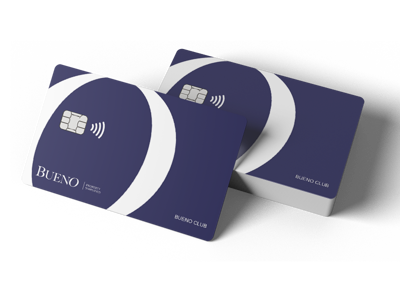
Congratulations, your new Bueno card has arrived!
Your card has arrived deactivated for security reasons. To activate it, log in to your Bueno account and go to the card section.
Web: https://app.getbueno.com
Mobile: Bueno is available on the App Store and Google Play
Setting your PIN: You'll choose your own PIN during activation. Keep it safe — never share it, write it down, or store it with your card. You can change it anytime in the card section of your account.
Activation: Your card and its contactless feature will be activated the first time you make a payment with your PIN or withdraw cash at an ATM. Contactless payments in Spain are capped at €50 per transaction.
Lost or stolen card? Freeze it instantly from your Bueno account (app or web), then contact our support team for further help..
Limits and fees: to view our price list, click here >>
Need help? Visit www.getbueno.com/help for easy ways to reach us.
Trouble activating your card?
Your first purchase must go through an online payment terminal — not all terminals are online 24/7. If your payment is rejected, try a different location, or activate your card at an ATM instead, since ATMs are always online.
Updating your card limits?
In the card section, you can easily adjust your spending limits and manage security features like enabling or disabling online usage.